Digital Preservation
We help build Emulation-as-a-Service: recreating the full environment old software needs — the original hardware, operating system, local software, even the period web browser — so legacy and born-digital works run again today.
We revive legacy and born-digital software by recreating the whole environment it needs to run — and we build new applications on technology that keeps pace. For archives, museums, universities, and industry.
We help build Emulation-as-a-Service: recreating the full environment old software needs — the original hardware, operating system, local software, even the period web browser — so legacy and born-digital works run again today.
New applications are a different discipline. The work starts with understanding — your processes, your domain, your people — drawing on a background across industrial engineering, business, and conservation. Built on current, well-supported technology, and kept up to date as it moves.
Design and build for studios, institutions, and small businesses — fast, accessible, and durable. And engineering services beyond the web: mathematical models, thermodynamics, and decades of hands-on experience.
A photograph survives in a drawer. Software doesn't — update the operating system and the work can be gone. Preserving it isn't about copying files; it's about keeping the whole machine it lived inside able to run again.
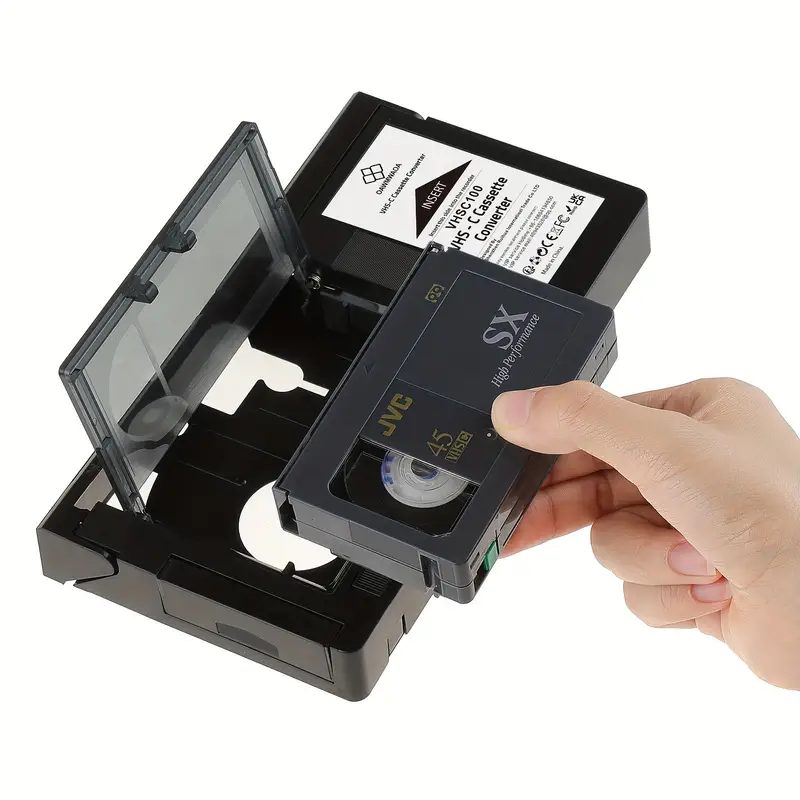
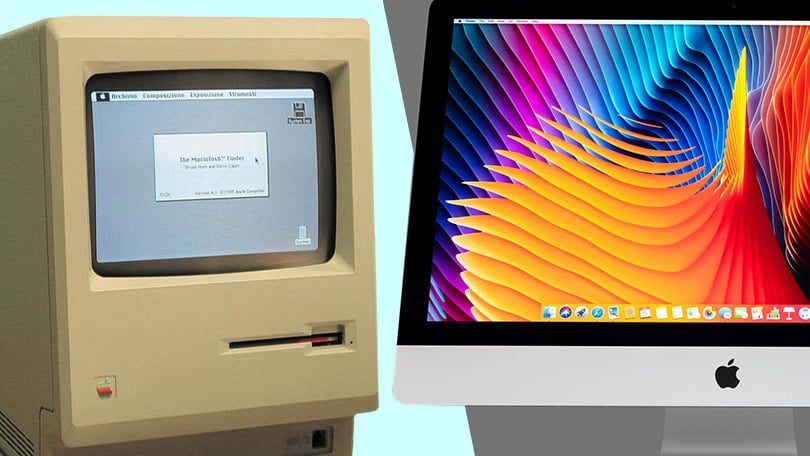
Experience a software work twice and it's never quite the same — resolution, refresh rate, the look of the operating system. The conservator decides what the work really is, and writes down why.
Software that imitates the dead hardware, opened inside a web browser. The artwork behaves as if nothing ever changed — no original disk, no original computer required.
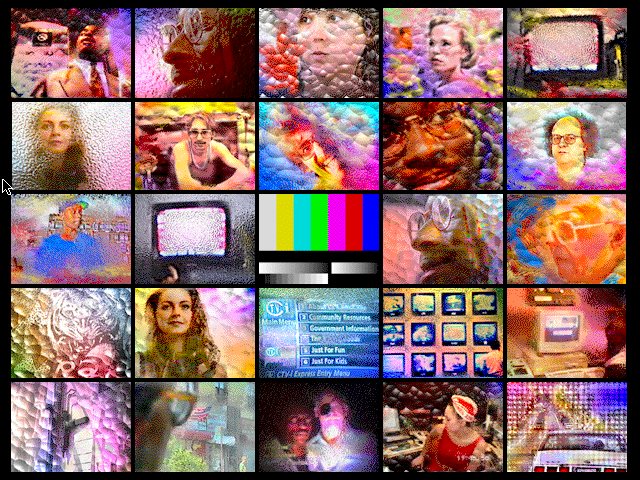
An interactive art CD-ROM from 1990s Vienna, built for a Macintosh that no longer exists. Emulation lets it run again in your browser today.
Run it ↗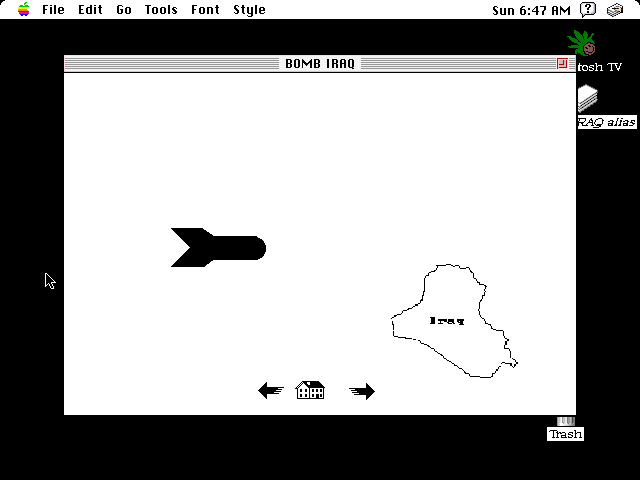
A program found on a second-hand Mac. The conservator kept it all — the font, the wallpaper, a stranger's homework — because that was the artwork too.
View on ArtBase ↗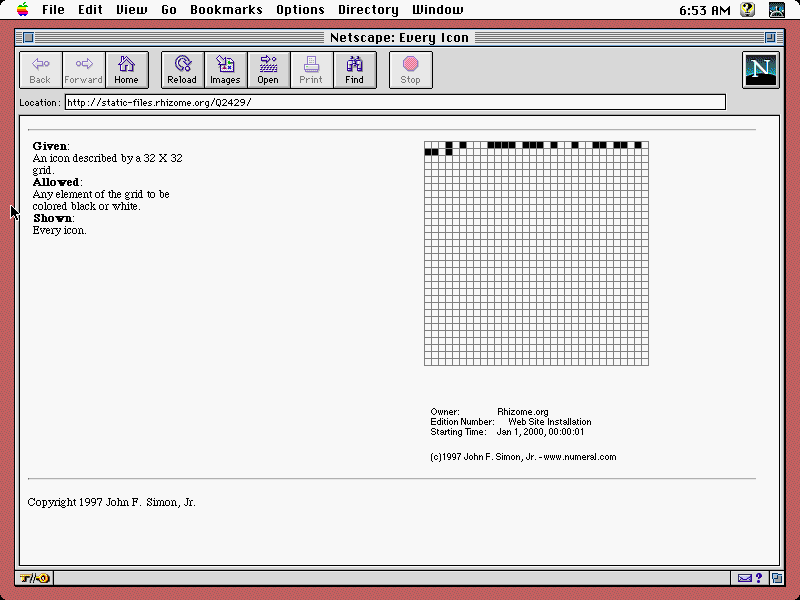
A process, not a picture: a grid working through every possible image. What matters is that it keeps running — at the right speed.
View on ArtBase ↗Software doesn't decay like paper. It is switched off, on a date. Every one of these still holds somebody's work.
The technician who runs the system, and the decision-maker who has to stand behind it. So our tools carry more than settings — they carry the reasoning: what was done, what was at stake, and why.
Sees how it's built — environments, parameters, the exact state a system runs in. Nothing hidden, nothing guessed.
Sees why — the rationale, the risks, and the judgement behind each choice, recorded right alongside the configuration.